Tivistation Installation Guide – Set Up on Any Device in Minutes
Get started with Tivistation Installation on Firestick, Android TV, Smart TVs, iOS, Windows, Mac, and more. Follow our simple installation guide to access 25,000+ live channels and 100,000+ movies and series in HD and 4K quality, hassle-free.

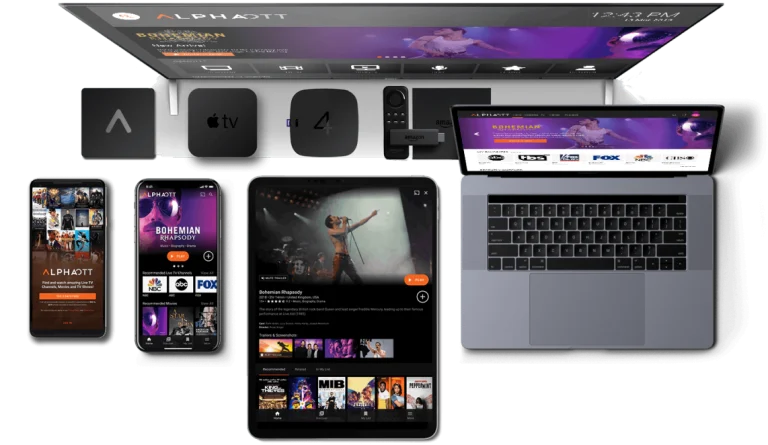
Tivistation Installation Guide for all Devices
This Tivistation Installation guide walks you through setting up IPTV on Smart TVs, Firestick, Android, iOS, Windows, and Mac devices. Whether you’re using IPTV Smarters Pro, TiviMate, XCIPTV, HOT IPTV, or IBO Player Pro, we provide clear, step-by-step instructions and quick login details so you can start streaming 25,000+ live channels, movies, series, and on-demand content in minutes. Our guide ensures a smooth, hassle-free setup with HD and 4K support, multi-device compatibility, and stable, uninterrupted streaming.
You’ll also find troubleshooting tips, advice for fast activation, and guidance to optimize your viewing experience. Learn how to set up multi-device connections, adjust video quality for the best performance, and access your favorite channels instantly. Tivistation’s installation process is designed for both beginners and experienced users, making it simple to enjoy sports, news, entertainment, and on-demand content. With this comprehensive guide, you’ll discover the easiest way to enjoy premium IPTV anywhere, anytime, with fast, secure, and reliable streaming, transforming your home entertainment experience.
For Smart TVs (Samsung, LG, Android TV):
Install IPTV Smarters Pro, TiviMate, or SmartOne IPTV from your App Store.
Open the app and choose “Login with Xtream Codes API”.
Enter the login details we sent via WhatsApp or Email.


For Windows/Mac:
Download IPTV Smarters Pro or VLC Player.
Enter your Xtream Codes or Playlist URL.
For Android & iOS Devices:
Install IPTV Smarters Pro or XCIPTV Player from the App Store.
Log in using the provided details.
Firestick & Fire TV:
Install Downloader app.
Use it to download IPTV Smarters Pro or TiviMate.
Enter your login info and enjoy!

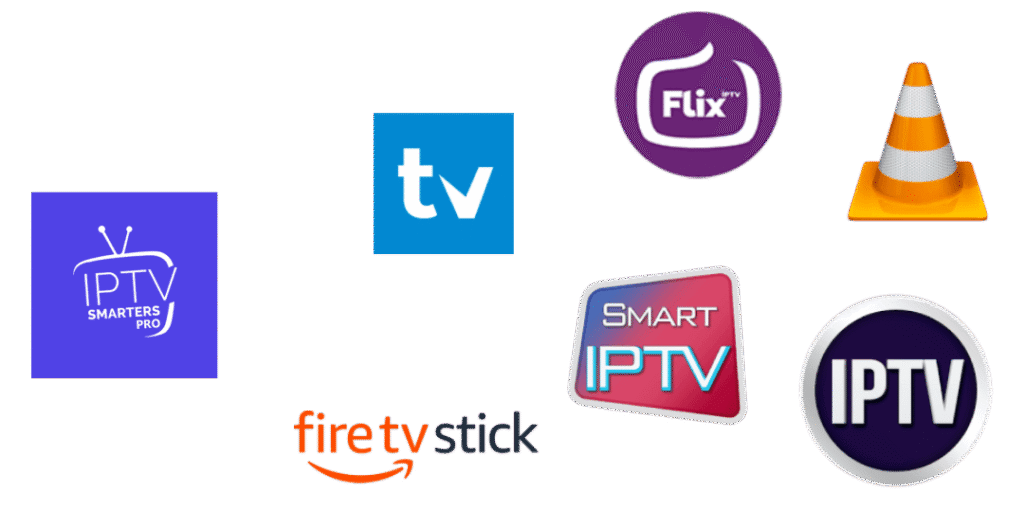
Recommended Apps for Tivistation Installation:
Frequently Asked Questions About Tivistation
Your questions are answered
Setting up is quick and easy. Simply download the compatible app for your device (Smart TV, Firestick, Android, iOS, PC, or Mac), log in with your credentials, and start streaming.
Yes! One subscription allows streaming on multiple devices, but you have to choose the number of connections you need so you can enjoy your favorite channels anywhere, anytime.
Absolutely. You can try our service for 24 hours free, with full access to all channels and VOD content, no commitment required.
We provide over 25,000 live channels including sports, news, entertainment, and international favorites, plus a large Video-on-Demand (VOD) library.
Ensure your internet speed meets the minimum requirements (5 Mbps for HD, 15 Mbps for 4K). If issues persist, contact our 24/7 support for instant help.
You can easily upgrade, downgrade, or modify your subscription by reaching out to our 24/7 support team. They’ll guide you through the process quickly and ensure your changes take effect without any hassle.